Auto
 1 week ago
2

Published Oct 21, 2026, 1:00 PM EDT
Ever since a kid, Shaheer has always been intrigued by tech and how its components work, and has always geeked out over new PC component releases. His enthusiasm for tech, gaming, and composing eventually led him to become a writer, a career path he hadn’t quite planned or thought of, but it proved to be a natural fit. Nevertheless, Shaheer has been writing for more than 4 years, having penned more than 2000 articles now across multiple accredited publications.
Shaheer mostly covers PC components, including in-depth coverage of each component, but his speciality subsumes within hardware of all sorts.
One key specification to look for when buying a laptop is battery capacity, often measured in mAh (milliamp-hours). The obvious implication is that the higher the mAh, the bigger the battery.
However, in reality, a battery with a higher mAh can hold less energy than another battery if it has a lower voltage. This is because mAh is misleading for measuring battery capacity when voltages differ.
Why mAh misleads on laptops
Charge is not the same as energy

mAh is electrical charge, not energy. Generally, at the same voltage, higher mAh means higher battery capacity, but that changes with voltage. This is because voltage indicates how much energy is transferred per unit of charge. A higher-voltage battery with lower mAh can outperform a battery with higher mAh but lower voltage.
So you can have two laptops with the same mAh, say 5,000, but their performance will differ depending on voltage. A battery pack with more cells in series can reach a higher voltage because each cell produces its own voltage, and in series, they add together.
The spec that actually measures capacity
How voltage turns mAh into Wh
 Credit: Brady Snyder / MakeUseOf
For battery capacity, energy matters for performance and charging. mAh is usually listed because it's a familiar term across smartphones. Still, on laptops with battery packs with more than one cell, the situation changes because you can't compare packs at different voltages.
The specification here that actually measures battery capacity is Wh (watt-hours). This number accounts for voltage because energy needs it. The simple formula to calculate Wh is:
Generally, a lithium-ion laptop battery cell has a nominal voltage of 3.6-3.7 volts. Therefore, a battery pack with two cells will have nearly 7.2–7.4 volts, and a battery pack with four cells will have nearly 14.4–14.8 volts. With higher voltages, you get more battery energy.
|
A |
2,500 mAh |
7.4 |
18.5Wh |
|
B |
2,500 mAh |
11.2 |
28Wh |
This is why two laptops with the same mAh can perform differently, depending on their battery pack configuration. Under the same Wh, you can expect two laptops to have the same runtime, given their specifications also match, because power consumption depends on CPU, GPU, and other factors as well.
Wh still doesn’t tell you battery life
Estimating runtime from average power draw
 Credit: Justin Duino / MakeUseOf
While Wh is the best estimate for bigger batteries and the spec you should look for when buying a new laptop, it doesn't predict a laptop's total battery life. For that, first you'll need to figure out the average watts the system will draw under different types of workload.
For instance, if a laptop averages 10W on light use, the runtime of the system can then be estimated by using this formula.
Runtime = Wh ÷ average watts
Therefore, a 70Wh battery will last 7 hours at 10W and 3.5 hours at 20W. In this regard, also check whether the laptop's CPU, cooling, and display are efficient, because a decent battery means little if the system is power-hungry. Even if it does, undervolting or a lower power limit can limit energy draw and increase battery life.
How to check your laptop’s battery health
Reading Windows’ built-in battery report
 Credit: Pankil Shah/MakeUseOf
 Credit: Pankil Shah/MakeUseOf

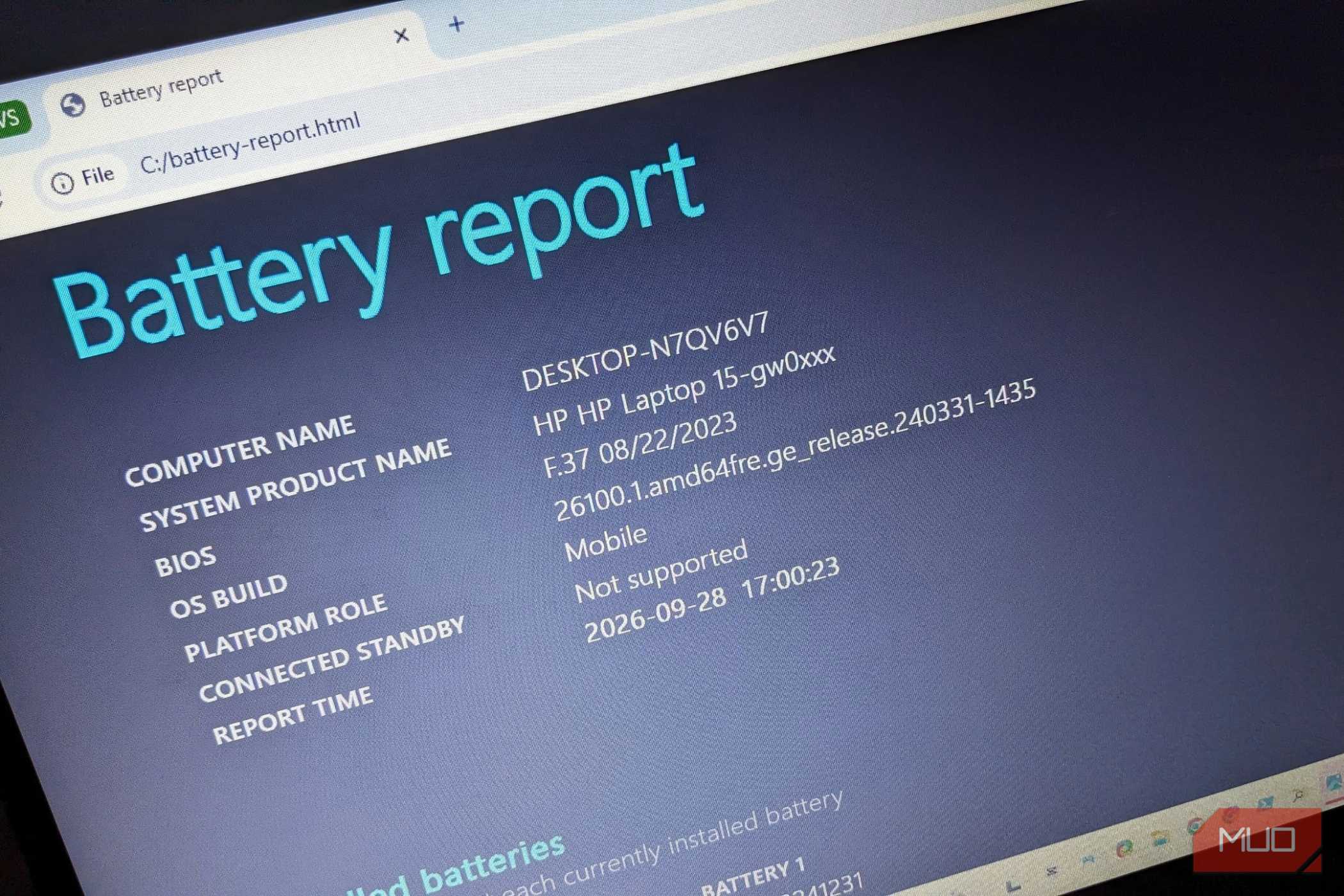
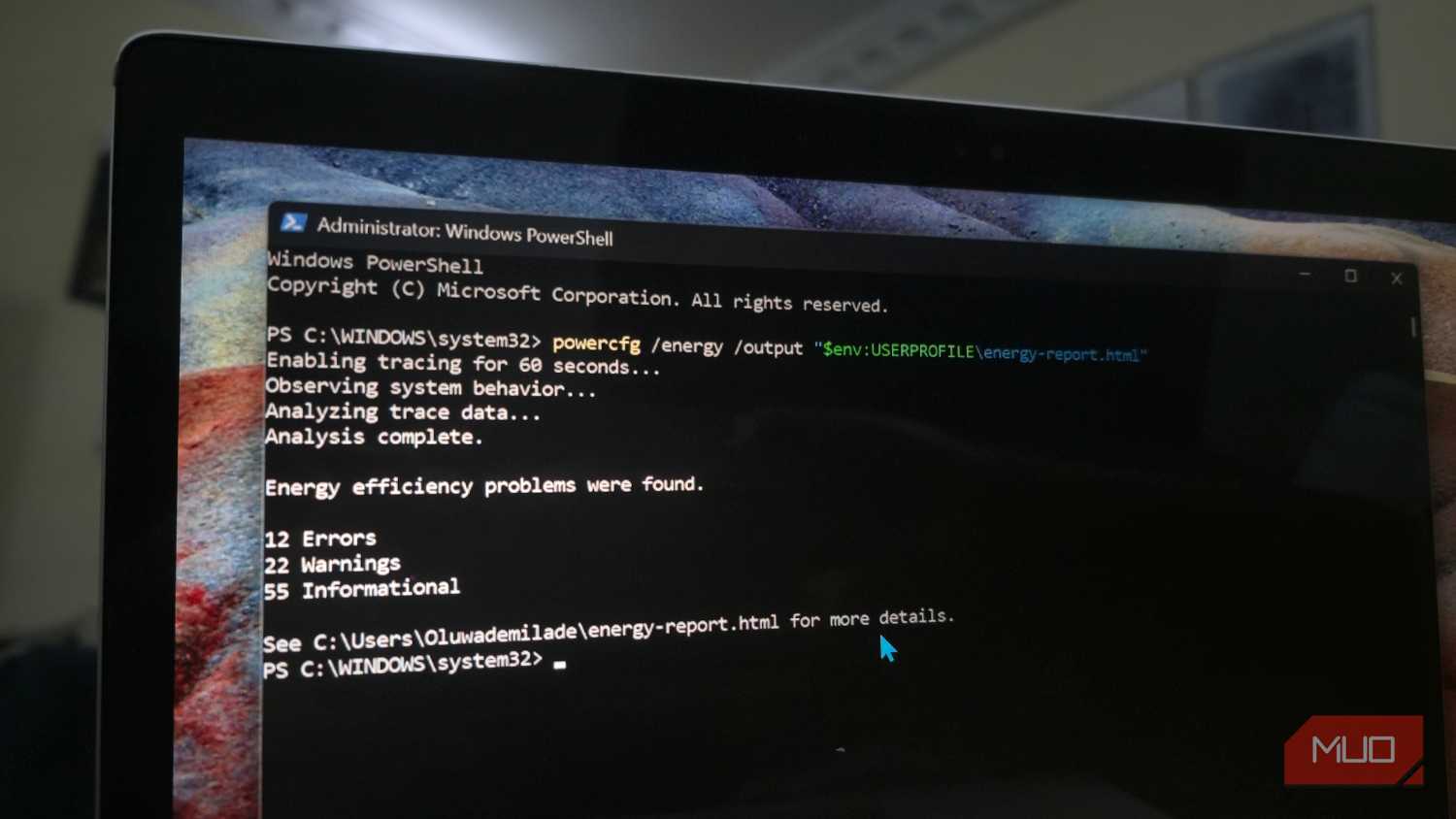
Windows has a battery-specific command you can run to get a detailed description of your laptop's battery. Fortunately, Windows reports battery in mWh, so you won't have to check the voltage and manually convert mAh to energy. To check, follow these steps:
Open Command Prompt Enter this command: powercfg /batteryreport Note the file path where Command Prompt saves the .html file, then open itAfter opening that .html report in your browser, scroll to Installed Batteries and find Design Capacity to check the original battery capacity, listed in mWh, and Full Charge Capacity is what it holds at the current status after wear. You calculate your battery's current health via these figures.
Battery Health = Full Charge Capacity/Design Capacity X 100
Since every laptop battery eventually wears out, I recommend investing a bit more in a higher-Wh variant because even a worn 90Wh battery will outlast a new 50Wh battery if it has a health level above 56%.
What to compare when buying
mAh is only useful for comparing capacities when voltages match, but generally, Wh is the best estimate when buying a new laptop. For smartphones, this concept doesn't apply because most phones share a similar cell voltage, but elsewhere, like in a power bank or power tools, the same voltage caveat applies because battery packs can be single- or multi-cell at different voltages.